
You are here because you want a website that attracts visitors and turns them into customers, not just something that looks pretty. That is where ui designs (user interface designs) become your competitive advantage. When your layout, typography, colours, and calls to action are intentional, you reduce friction and guide visitors to take the next step. In this guide, you will learn a simple, proven framework for planning, designing, and launching a conversion-focused site without blowing your budget.
Small businesses and entrepreneurs often struggle to get a professional, lead-generating website without paying high upfront costs or ongoing fees. Spot On Websites, an Australian-based design and marketing team, offers professionally designed WordPress packages — including a 10-page Growth package — and a Tradie fixed-price website product. Delivery timelines vary by project scope, and packages include mobile-friendly designs and free lifetime hosting with SSL; SEO + Local SEO setup is included with certain packages (for example the Starter package), while additional features such as analytics, content writing and advanced tracking vary by tier. As you read, note tips you can apply today, plus where partnering with experts accelerates results.
Why UI (user interface) Designs Matter for Small Business Conversion
First impressions happen fast. Industry studies suggest people form an opinion about a site’s credibility in under 50 milliseconds. Another well-cited data point shows that 88 percent of users are less likely to return after a poor experience. What drives those snap judgments? Visual hierarchy, readability, colour contrast, page speed, and the clarity of your call to action (CTA) all play a role. The good news is each element can be measured, improved, and aligned to your business goals.
Performance is equally critical. Research commonly reports that pages loading within 0–2 seconds deliver the highest conversion rates, and each additional second can reduce conversions significantly. On mobile, where attention is scarce, responsive layouts and accessible components make or break engagement. That is why professional ui designs (user interface designs) emphasise responsive grids, compressed media, and semantic hypertext markup language (HTML) to ensure screen readers and search engines understand your content.
Trust follows clarity. When visitors immediately grasp who you serve, what problem you solve, and how to take action, friction drops and confidence rises. Visual consistency, plain-language microcopy, and recognisable patterns help people navigate without thinking. Do you need to reinvent the wheel? Not at all. Proven patterns, backed by user testing and analytics, out-perform clever but confusing ideas most of the time.
Step-by-Step UI (user interface) Designs Checklist: 10 Essentials
-
Define One Primary Goal Per Page
Every page needs a single, measurable purpose. Is it to generate a quote request, book an appointment, or drive a phone call? Clarify the action and remove anything that distracts from it. Use a primary call to action (CTA) with a contrasting button and a clear benefit-oriented label such as “Get My Free Quote.” When each page has one job, your ui designs (user interface designs) become focused and effective.
-
Craft a Clear Value Proposition Above the Fold
Your hero section should state who you help, the problem you solve, and the outcome, in one or two short lines. Add a supportive subheading and social proof to reduce risk perception. Keep the button visible on desktop and mobile. Imagine a 16:9 hero image that frames your copy without overpowering it; this cinematic ratio looks great across devices and stays consistent with brand photography.
-
Design Intuitive Navigation and Information Architecture
Limit top-level navigation to five to seven items. Use clear labels like Home, Services, Pricing, About, and Contact rather than clever names. Include a persistent contact method and a utility bar for essentials. Breadcrumbs improve orientation for deeper pages, and a logical content structure helps both users and search engines. Simple beats complex when it comes to navigation in ui designs (user interface designs).
-
Use Consistent Typography and High-Contrast Colours
Choose a readable sans-serif for body text, set line height between 1.5 and 1.8, and keep line length around 60–80 characters. For accessibility, aim for a minimum contrast ratio of 4.5:1 for body text, as recommended by the Web Content Accessibility Guidelines (WCAG). Restrict your palette to one primary, one accent, and neutral shades. Consistency makes your design feel professional and intentional.
-
Optimise for Mobile First and Touch Interactions
Most small business traffic is mobile, so design with thumbs in mind. Buttons should be at least 44×44 pixels, with generous spacing to prevent accidental taps. Use responsive images in a 16:9 ratio to keep layouts stable and avoid cumulative layout shift. Test forms, menus, and sticky headers on actual devices, not just in a desktop browser.
-
Speed Up With Lean Assets and Smart Caching
Compress images, preload key fonts, and defer non-critical scripts. Where possible, use modern formats like WebP for imagery. Server-level caching and a content delivery network reduce time to first byte and improve perceived performance. Faster pages are rewarded by search engines and by impatient thumbs scrolling on mobile networks.
-
Write Actionable Microcopy and Form UX (user experience)
Labels and helper text should reduce anxiety, not increase it. Replace “Submit” with a specific action like “Send My Enquiry” and offer reassurance near the button, such as “We respond within one business day.” Minimise required fields and split longer processes into steps. Convert friction into confidence with clear error states and inline validation.
-
Show Trust Signals Where Decisions Happen
Place testimonials, star ratings, and client logos close to your CTA. Display secure sockets layer (SSL) badges and privacy assurances near forms. Add address, phone, and Australian Business Number for local credibility. If you offer guarantees or no hidden fees, state them plainly in proximity to your pricing or booking buttons.
-
Build SEO (search engine optimization) Foundations Into the Design
Structure content with semantic headings, write descriptive title tags and meta descriptions, and include internal links that mirror user journeys. Optimise image alt text and compress media for speed. Add local signals like your suburb, service area pages, and Google Business Profile references where appropriate. Good ui designs (user interface designs) and SEO (search engine optimization) reinforce each other.
-
Measure, Test, and Iterate
Set up Google Analytics 4 (GA4) events for clicks, form starts, and submissions. Use split testing, also known as A/B (split) testing, for headlines and button labels. Heatmaps and session replays can uncover scroll drop-offs and confusing elements. Ship improvements in small, safe increments and watch your conversion rate rise.
Watch This Helpful Video
To help you better understand ui designs, we’ve included this informative video from Juxtopposed. It provides valuable insights and visual demonstrations that complement the written content.
Real-World Examples and Micro Case Studies
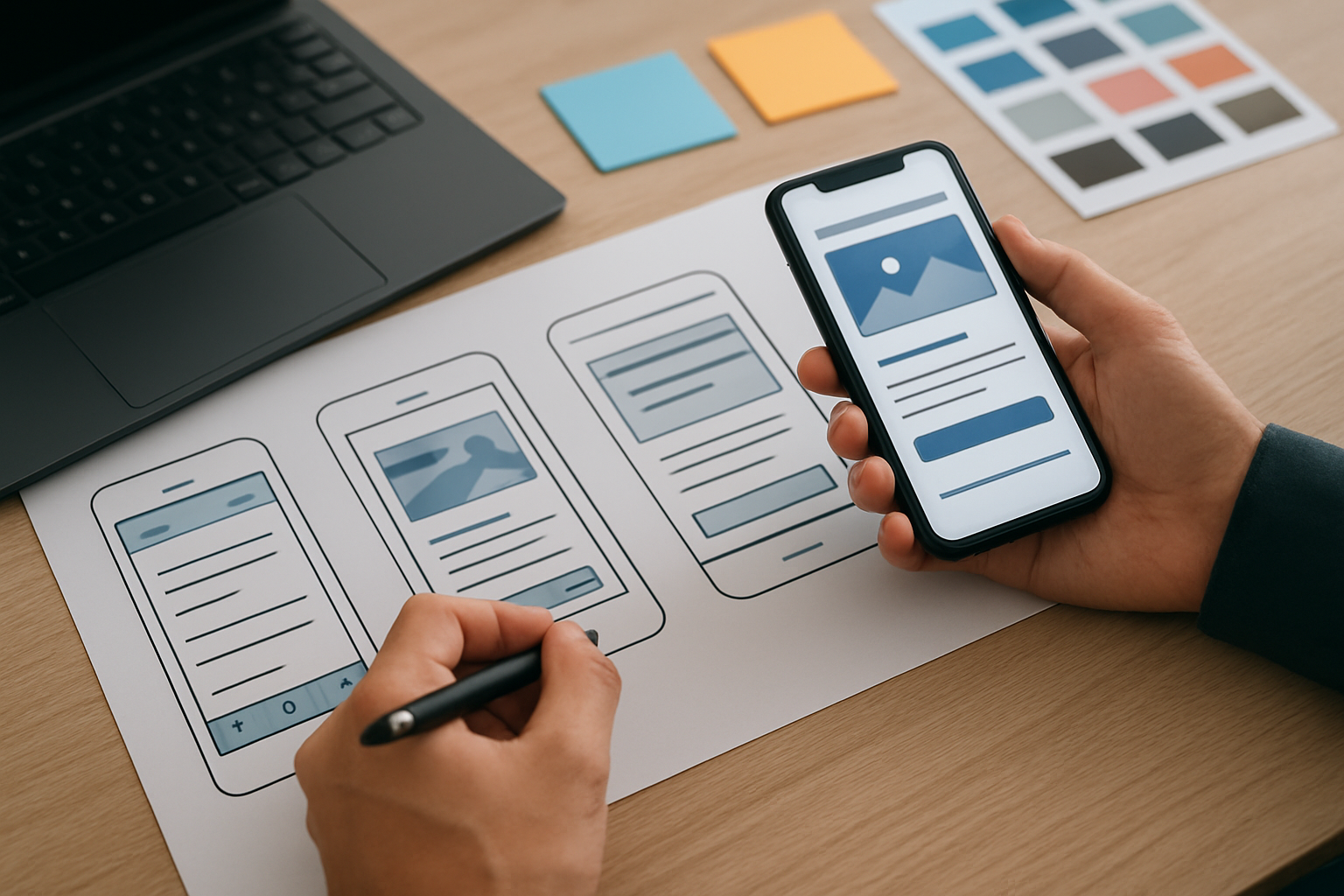
Local trades: A plumbing company’s old site buried its phone number, loaded slowly, and lacked trust signals. After a redesign focused on the checklist above, the new 16:9 hero displayed a bold “Book Same-Day Service” CTA (call to action), reviews were placed near pricing, and images were compressed. Over 60 days, calls from mobile increased by 42 percent and form submissions rose by 35 percent, according to their Google Analytics 4 (GA4) dashboard.
Professional services: An accounting firm had dense copy and confusing navigation. We simplified their information architecture, wrote direct headlines, and added a sticky “Schedule a Free Consultation” CTA (call to action). With faster load times and clearer messaging, organic search enquiries climbed 28 percent quarter over quarter, based on their internal reporting. Visitors spent more time on service detail pages and bounced less frequently.
Ecommerce for artisans: A boutique gift store struggled with abandoned carts. We introduced progress indicators, reassurance microcopy like “Free returns for 30 days,” and touch-friendly buttons. We also standardised product photography to a consistent 16:9 ratio for a cleaner grid. Within a month, checkout completion improved by 22 percent and support tickets related to checkout confusion dropped sharply.
Practical Tools, Standards, and Accessibility
Wondering how to evaluate your current experience? Start with a quick audit. Run Google Lighthouse for performance and accessibility checks, use PageSpeed Insights for optimisation opportunities, and validate colour contrast against Web Content Accessibility Guidelines (WCAG). For extra clarity, add Accessible Rich Internet Applications (ARIA) labels to interactive elements and confirm keyboard-only navigation works throughout.
- Design system: Create a small style guide with headings, colours, and component rules to keep ui designs (user interface designs) consistent.
- Prototyping: Use Figma to wireframe above-the-fold layouts and test mobile interactions before development.
- Analytics: Configure Google Analytics 4 (GA4) events for lead forms, phone link clicks, and key button taps.
- Behaviour insights: Use heatmaps and surveys to find points of friction and fix them quickly.
- Content management: Choose a content management system (CMS) that supports fast, secure updates.
Plan your visuals ahead of time. Use photography and illustrations composed in 16:9 to avoid awkward crops and to keep your layout stable on different screens. If you use stock imagery, prioritise authentic scenes that reflect your audience and pair them with captions that reinforce benefits. Consistency across imagery, iconography, and components earns trust without a word.
How Spot On Websites Streamlines the Process for You
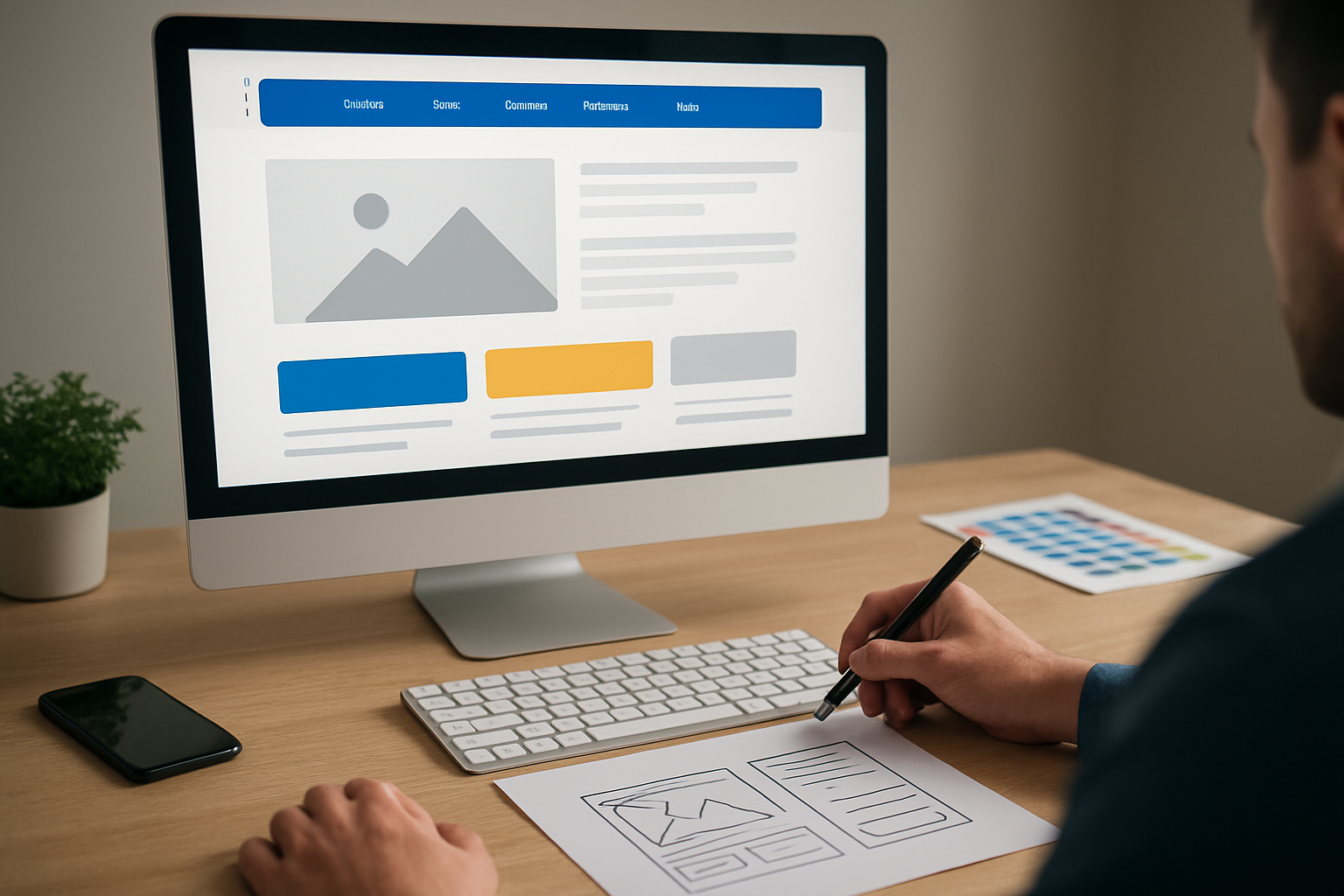
If you need results quickly and affordably, Spot On Websites offers professionally designed WordPress packages — including a 10-page Growth option — to remove the guesswork. Delivery timelines depend on scope and client input, so launches can be fast for well-scoped projects. Builds are mobile‑friendly, and packages include free lifetime hosting and SSL; SEO + Local SEO setup is included at applicable package levels. Spot On also publishes starting prices and offers a Tradie fixed‑price product to help you budget with confidence.
What is included beyond the build? You get content writing assistance to shape clear, persuasive copy, plus access to a large stock image library. We crop and prepare assets in a consistent 16:9 ratio for a polished, editorial look. The design is professional and high quality, with a focus on performance, accessibility, and measurable results. You end up with a site that looks great and sells effectively.
- Suggested 10-page structure: Home, About, Services overview, Two service detail pages, Pricing, Portfolio or Case Studies, Testimonials, Blog, and Contact.
- Process overview: Discovery and brief, wireframes and content plan, visual design, development, quality assurance, and launch with tracking.
- SEO (search engine optimization) basics included: semantic headings, metadata, internal linking, schema opportunities reviewed, and fast page load.
- Post-launch: Free lifetime hosting, security monitoring, and guidance on updates. No ongoing fee surprises.
Small businesses and entrepreneurs often need a site that works as hard as they do, without complex retainers. By following a structured checklist and leveraging a specialist team, you compress your timeline and reduce risk. The result is a credible, conversion-optimised presence that gives you momentum right away.
Metrics, Testing, and Launch Timelines
You cannot improve what you do not measure. Define key performance indicators (KPIs) such as conversion rate, cost per lead, average response time, and qualified enquiry volume. Set up dashboards in Google Analytics 4 (GA4) and connect your customer relationship management (CRM) system to track lead quality. Use split testing, also known as A/B (split) testing, on headlines and hero copy first for maximum impact.
A practical launch schedule: Days 1–3 for discovery and wireframes, Days 4–7 for content writing assistance and visual design, Days 8–10 for development and performance tuning, and Days 11–14 for quality assurance and go-live. During quality assurance, validate accessibility against Web Content Accessibility Guidelines (WCAG), test forms, confirm event tracking, and review 16:9 visual consistency. After launch, review initial analytics weekly for one month and prioritise two to three quick wins.
Finally, build a rhythm of iteration. Each quarter, refresh testimonials, expand service pages, and refine calls to action (CTA) based on search trends and customer feedback. When your ui designs (user interface designs) evolve with your audience, results compound. Think of your website as a product, not a brochure, and you will stay ahead of competitors who redesign only every few years.
Conclusion
Follow this checklist and your website will look sharp, load fast, and convert more visitors into leads and sales.
Imagine the next 12 months with a site that attracts ideal clients, proves credibility instantly, and gives you clear visibility into what drives growth.
What is the first change you will make to bring your vision for ui designs (user interface designs) to life?
Additional Resources
Explore these authoritative resources to dive deeper into ui designs.
Build Conversion-Ready UI (User Interface) with Spot On Websites
Get a 10-page website package — timelines vary by scope — with free lifetime hosting, SSL, and SEO-ready setup included at applicable package levels, making growth predictable and affordable with Spot On Websites.
0 Comments